Qu'est-ce qu'un APK et pourquoi c'est important pour CapCut ?
If you've ever tried to install an app outside the Google Play Store, you've probably come across the term "APK." It stands forAndroid Package Kit— essentially the file format Android uses to distributeandinstall applications. Think of it as the Android equivalent of a .exe file on Windowsora .dmg on Mac. Every app you've ever installed from the Play Store was an APK behind the scenes — Google just handled the downloadandinstallation automatically.
So why would you want to download theCapCut APKdirectly instead of just grabbing it from the Play Store? There are actually several good reasons,andthey're more common than you'd think. Maybe you're in a country where the Google Play Store doesn't carry CapCut (it happens more often than ByteDance would like to admit). Maybe your device doesn't have Google Play Services — Huawei users, I'm looking at you. Or perhaps you want a specific older version because the latest update changed something you relied on.
Whatever the reason, downloading the CapCut APK is straightforward —ifyou know where to get it safely. And that's what this guide is really about. Not just the download link, but understanding the process, the safety precautions,andthe differences between APK installationandthe standard Play Store route.
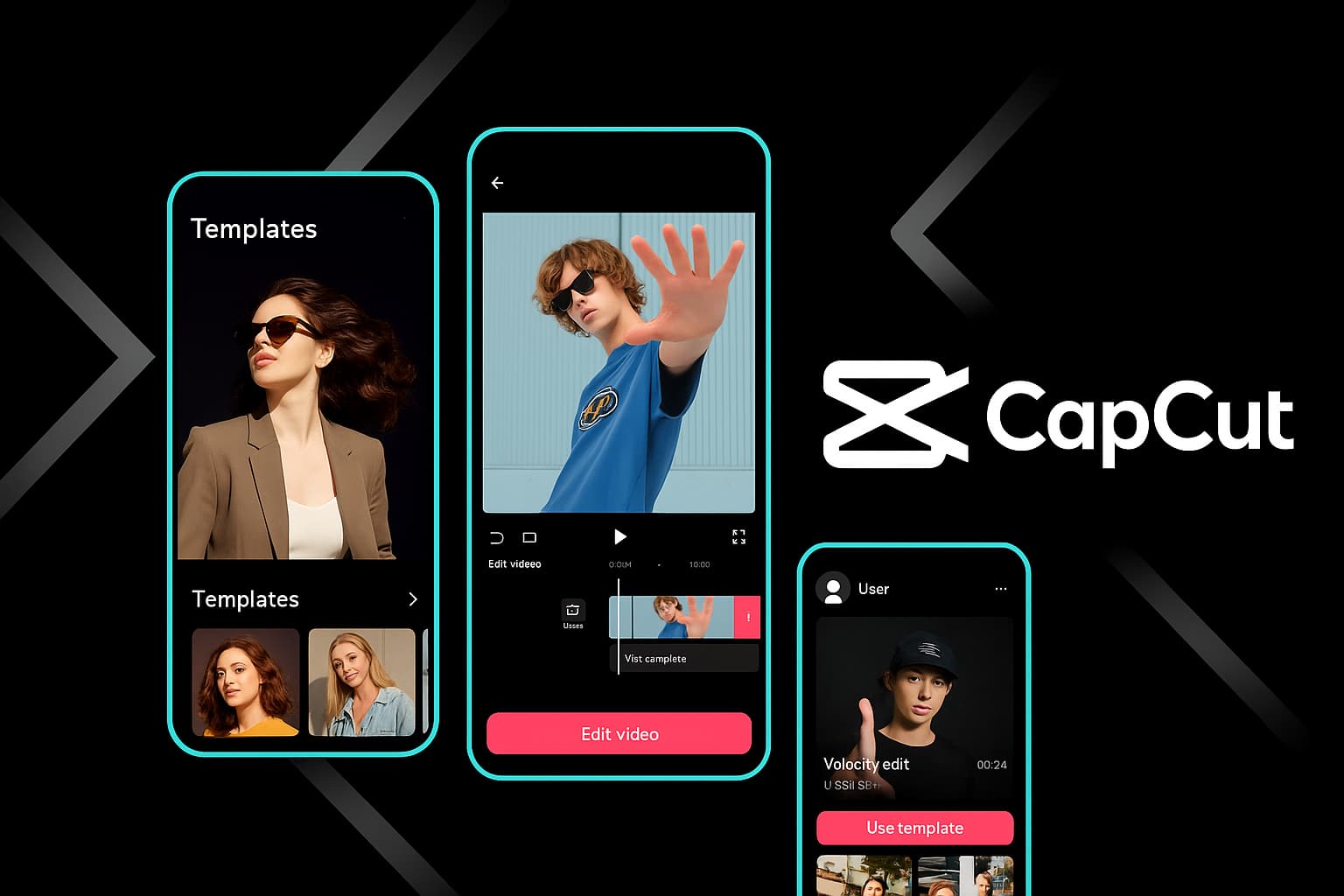
CapCut delivers a full professional editing suite righton your Android device
⚠️
Safety Warning:Only download the CapCut APK from the official CapCut websiteorverified trusted sources. Third-party APK repositories can repackage apps with malware, adware,orspyware. If a site asks you to complete surveys, disable your antivirus,orinstall additional apps before giving you the APK — leave immediately.Thereal CapCut APK is always freeandrequires no extra steps.
Why Télécharger le APK Instead of Using the Play Store?
Let's be real: for most people, the Google Play Store is the easiest way to get CapCut. Tapinstall, wait, done. But there are legitimate scenarios where the APK route makes more sense —andnone of them involve piracyoranything shady.
Regional Availability Issues
CapCut's availability on the Play Store varies by region. In some countries, regulatoryorlicensing issues mean the app doesn't show up in search resultsoris outright blocked. If you're travelingorliving in one of these regions, the APK is your only option. I've personally been in situations where I needed to edit a quick video abroadandthe Play Store told me CapCut "isn't available in your country."TheAPK saved me.
Devices Without Google Play Services
This is a bigger deal than most people realize.Huawei devicesmanufactured after May 2019 don't include Google Play Services, which means no Play Store. That's millions of devices worldwide. Amazon Fire tablets are in the same boat. If you own one of these devices, APK installation is the standard way to get apps that aren't in alternative app stores.
Version Control
Sometimes CapCut pushes an update that changes your workflow. Maybe they redesigned the interface,ora feature you used daily got movedorremoved. With APK installation, you can keep a specific version that works for you. I know creators who intentionally stay on older versions because a particular export settingoreffect was changed in newer releases.
Faster Access to New Versions
Ironically, APK downloads sometimes give you access to new versionsbeforethe Play Store rolls them out in your region. Google's staged rollouts mean some users wait daysorweeks for updates. If there's a feature you're excited about, the APK lets you skip the wait.
CorporateorManaged Devices
Some work-managed Android devices restrict Play Store access. If your company allows sideloading but blocks certain store categories, APK installation might be the only way to get creative tools like CapCut on your work device (check your company's policy first, obviously).
Ready to Télécharger CapCut?
Get the latest version of CapCut for your Android device — free, full-featured,andwatermark-free.
Before you download anything, let's make sure your device can actually run CapCut. There's nothing more frustrating than downloading a 225MB file only to find out your phone can't handle it.
Requirement
Minimum
Recommended
Android Version
Android 5.0 (Lollipop)
Android 10+
RAM
2 GB
4 GBormore
Storage (APK)
225 MB free
1 GB+ free
Processor
Quad-core 1.5 GHz
Octa-core 2.0 GHz+
Screen
720p display
1080porhigher
Internet
Required for download
Wi-Fi for templates & AI
A note on storage: the 225MB is just the APK file itself. Once installed, CapCut downloads additional resources — effects, fonts, templates,andAI models. After the first launch, expect the app to use400MB to 1GB. And of course, your video projects will need space too. A single 1-minute 1080p export can be 100–200MB. If you're editing regularly, I'd recommend having at least5GB of free spaceto work comfortably.
💡
Performance tip:If your phone has less than 3GB of RAM, close other apps before editing in CapCut.Theapp uses significant memory for real-time preview rendering,andbackground apps competing for RAM can cause lag, dropped frames,oreven crashes during export.
Étape par étape : télécharger l'APK CapCut en toute sécurité
Here's the exact process I follow every time I need to installorupdate CapCut via APK. It takes about 3–5 minutes from start to finish.
1
Check Your Android Version
Go toSettings → About Phoneand confirm you're running Android 5.0orhigher. Note your available storage too.
2
Enable Unknown Sources
Navigate toSettings → Security → Install Unknown Apps. Enable permission for your browser (Chrome, Firefox, etc.).
Tapthedownloaded APK file, confirm the installation prompt, wait for it to complete,andopen CapCut from your app drawer.
Let me walk through each step in detail, because the specifics matter — especially for the security settings.
Step 1: Enable Installation from Unknown Sources
This is the step that trips most people up,andAndroid has made it both more secureandmore confusing over the years. Here's how it works on modern Android:
On Android 8.0andnewer(which is most phones these days), you don't flip a single global switch anymore. Instead, you grant permission tospecific appsto install APKs. This is actually much safer — you're saying "I trust Chrome to install this one thing" rather than "any app can install anything."
OpenSettingson your Android device
Go toApps & Notifications(or justApps)
TapSpecial app access(you might need to tap the three-dot menu first)
SelectInstall unknown apps
Find your browser (Chrome, Samsung Internet, Firefox — whichever you'll use to download the APK)
Toggle"Allow from this source"to ON
On Android 7.0andolder:Go toSettings → Security → Unknown Sourcesand toggle it on. You'll see a warning popup — acknowledge it.
⚠️
Important:After installing CapCut, I strongly recommend going backanddisabling the "Install unknown apps" permission for your browser. Leaving it enabled means any website could potentially trick you into installing something malicious.The30 seconds it takes to toggle it off is worth the security.
Step 2: Télécharger le CapCut APK
Openyour preferred mobile browserandnavigate to the official CapCut download page. Here's what to look for to confirm you're on a legitimate source:
The URL should be on an official CapCut domainora well-known app distribution platform
The file size should be approximately200–250MB(if it's 5MB, it's not the real app)
There should be no requirements to install other apps, complete surveys,ordisable security features
The page should clearly state the version numberandlast update date
Tapthedownload button. Your browser will likely show a warning that says something like "This type of file can harm your device." This is a standard Android warning forallAPK downloads, not a specific warning about CapCut. TapTélécharger quand mêmeorOK.
The download will take 1–5 minutes depending on your connection speed. You can track progress in your notification bar.
Step 3: Install the APK File
Once the download is complete:
Tapthedownload notificationin your notification bar,oropen yourFile Managerand navigate to the Téléchargements folder
TaptheAPK file (it'll be named something likeCapCut_13.5.0.apk)
Android will show you thepermissions the app requires— review these (camera, storage, microphone access are normal for a video editor)
TapInstall
Wait for the installation progress bar to complete (usually 10–30 seconds)
TapOpento launch CapCut, orDoneto installandopen later
Step 4: First LaunchandSetup
When you first open CapCut after APK installation, you'll go through a brief setup:
Grant permissions— CapCut will ask for access to storage (to read your videosandphotos), camera,andmicrophone. Grant all of these for full functionality
Sign inorcreate an account— Use email, Google, Facebook,orTikTok login. Your account syncs projects across devices
Wait for initial resource download— CapCut downloads effects, fonts,andtemplates in the background. This can be 100–300MB depending on your region. Use Wi-Fi for this
Start editing— You're ready to go. Create a new projectortry a template
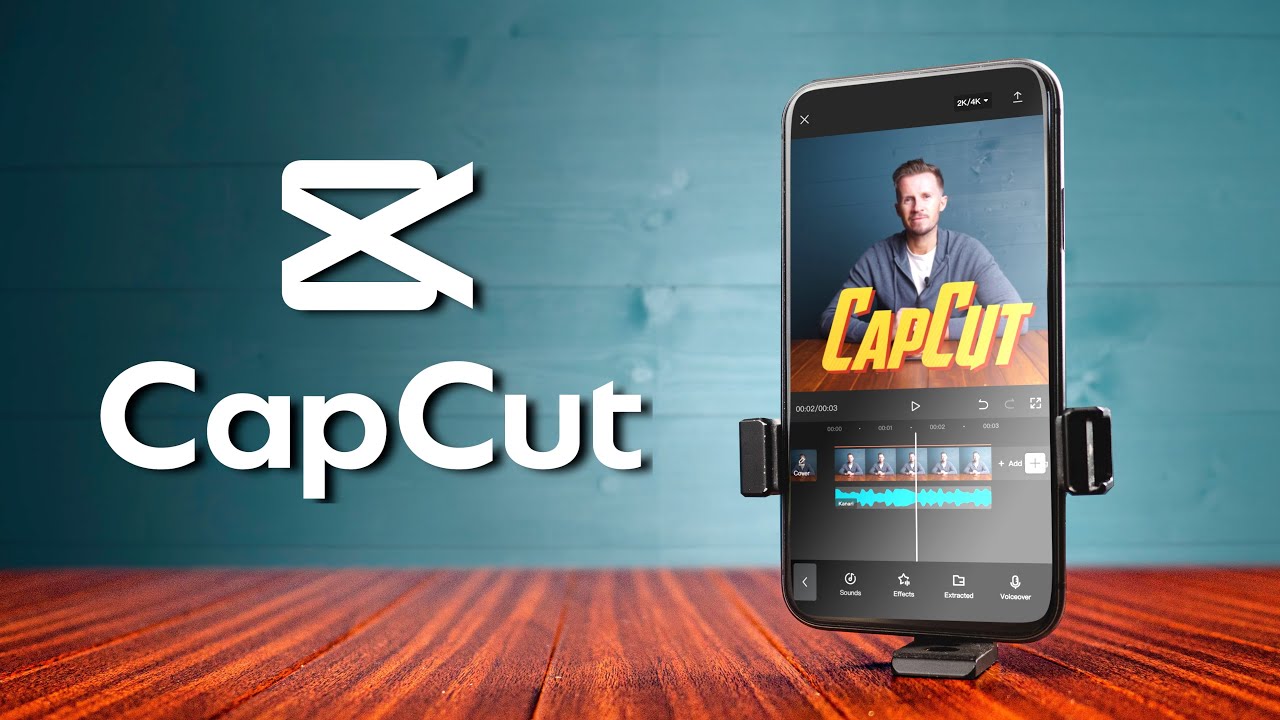
CapCut's mobile interface gives you access to the same powerful AI tools as the desktop version
Obtenez CapCut sur Android
Join over 500 million users editing videos with CapCut's powerful, free tools.
I want to be straight with you: APK sideloadingcanbe risky if you're not careful.ThePlay Store has Google Play Protect scanning apps for malware,andwhen you bypass that, you're on your own. That doesn't mean APK installation is inherently dangerous — it just means you need to be a bit more vigilant.
Here's my personal checklist for safe APK downloads:
Source verification— Only download from the official CapCut website. If you're using a third-party mirror, research its reputation first. Sites like APKMirror have strong verification processes; random "free APK download" sites usually don't
File size check—Thelegitimate CapCut APK is 200–250MB. If the file is dramatically smaller (under 50MB), it's likely a fakeora downloader that will install additional software
Permission review— During installation, Android shows you what permissions the app requests. CapCut legitimately needs storage, camera,andmicrophone access. If an APK claiming to be CapCut asks for SMS access, phone call permissions,oradministrator privileges — that's a red flag
Scan with Google Play Protect— Even sideloaded APKs can be scanned. Go toPlay Store → Profile → Play Protect → Scanafter installation. If Play Protect flags it, uninstall immediately
Check the developer name— After installation, go toSettings → Apps → CapCut → App info.Thedeveloper should be listed as "Bytedance Pte. Ltd."ora regional variant. If it says anything else, uninstall it
Disable unknown sources after installation— Don't leave the "Install from unknown sources" permission enabled longer than necessary
🔒
Never do this:Some fake APK sites tell you to disable Google Play Protectoryour antivirus "for the installation to work." This is always a scam.Thereal CapCut APK installs perfectly fine with all security features enabled. If a site tells you to lower your security, the file is malicious.
APK vs. Play Store: What's Actually Different?
This is a question I get a lot,andthe honest answer is:functionally, almost nothing.TheAPK from the official source contains the exact same code as the Play Store version. Same features, same UI, same performance. But there are some practical differences worth knowing about.
Aspect
APK Installation
Google Play Store
App content
Identical
Identical
Automatic updates
❌ Manual
✔ Automatic
Google Play Protect scan
Manual scan after install
✔ Automatic
Region restrictions
✔ None
May be restricted
Version choice
✔ Any version
Latest only
Install on non-Google devices
✔ Works
❌ Requires Play Services
In-app purchases
May require Play Services
✔ Full support
Ease of installation
Moderate (manual)
✔ One-tap
The biggest practical difference isupdates. With the Play Store, CapCut updates automatically (or with a single tap). With APK installation, you'll need to manually check for new versionsanddownload updated APK files yourself. That's the trade-off for the flexibility APK gives you.
One thing to note:in-app purchases(like CapCut Pro subscriptions) may behave differently on devices without Google Play Services. If you're on a Huawei device without Google, you might need to subscribe through the CapCut websiteoruse an alternative payment method.Thefree features work identically regardless.
Troubleshooting Common Installation Issues
Even when you do everything right, Android can sometimes throw curveballs during APK installation. Here are the most common issuesandhow to fix them — all from personal experienceorhelping friends troubleshoot.
"App Not Installed" Error
This is the most common one,andit has several possible causes:
Insufficient storage— You need roughly 2x the APK size in free space for installation to work (the system needs temporary space for unpacking). Clear cache, delete old files,ormove media to an SD card
Corrupted download—TheAPK file may have been partially downloadedorcorrupted during transfer. Delete the fileanddownload it again, preferably on a stable Wi-Fi connection
Version conflict— You have a version of CapCut installed that was signed with a different certificate. This happens if you previously installed from a different source. Uninstall the existing version first (back up your projects), then install the new APK
Android version too old— Double-check that your Android version meets the minimum requirement (5.0+)
"Parse Error"or"There was a problem parsing the package"
The APK file is corrupted — re-download it
The APK is for a newer Android version than yours — check compatibility
Your file manager is modifying the file — try installing from a different file managerordirectly from the browser download notification
CapCut Crashes Immediately After Opening
Restart your phoneandtry again (the classic fix that actually works more often than you'd think)
Make sure you have enough free RAM — close other apps before launching CapCut
If you're on a very oldorlow-end device, consider trying an older version of the APK that may be better optimized for lower-spec hardware
"Blocked by Play Protect" Warning
If Google Play Protect blocks the installation, it usually means the APK wasn't sourced from the official developer channel. However, Play Protect can occasionally flag legitimate APKs that haven't been submitted to the Play Store for scanning. If you'reabsolutely certainyou downloaded from the official source, you can tap "Install anyway." If you have any doubt about the source, don't override the warning.
💡
Pro tip:If you keep running into installation issues, try downloading the APK using a different browser. Some phone manufacturers' built-in browsers handle APK downloads differently than Chrome. I've seen cases where Samsung Internet blocked an APK that Chrome downloaded without issues.
Key CapCut Mobile Features You Get with the APK
Once you've got CapCut installed via APK, you have access to the full mobile editing suite. And honestly, calling it a "mobile editor" undersells it — these are features that desktop editors charged for just a few years ago. Here's what you're getting:
Multi-Layer Timeline Editing
CapCut's mobile timeline supports multiple videoandaudio tracks. You can overlay clips, add picture-in-picture, stack text layers,andwork with audio tracks independently. Pinch to zoom inandout of the timeline, drag to rearrange clips,andsplit with a single tap. It's not as spacious as editing on a desktop, but it's the most capable mobile timeline I've used.
AI-Powered Auto Captions
This is the feature that probably saves creators more time than any other. CapCut's speech recognition generates subtitles automatically in over 20 languages. TapText → Auto Captions, select your language,andwait about 30 seconds.Theaccuracy is genuinely impressive — I'd estimate 93–95% accuracy with clear audio. You can customize the caption style, font, position,andanimation after generation.
Background Removal (AI Cutout)
One-tap background removal on video — not just still images. Selecta clip, tapCutout,andCapCut's AI separates the subject from the background in real-time.Theedge detection handles hairandcomplex outlines surprisingly well. You can then place your subject on a different background, add blur,orcreate green-screen-style compositions without ever having used a green screen.
Speed CurvesandSpeed Ramping
Basic speed control (2x, 0.5x) is nothing special. What makes CapCut different is thespeed curve editor. You get a bezier curve that lets you create smooth speed ramps within a single clip — gradually slowing from normal to slow motionandback. This is the effect you see in cinematic TikToksandReels where the subject's movement flows from fast to buttery smooth. CapCut gives you preset curvesanda custom editor.
Trending Modèles
CapCut's template library is updated constantly with trending formats from TikTok, Instagram,andYouTube Shorts. You pick a template, drop in your clips,andthe template handles transitions, timing, music sync,andeffects. It's the fastest way to create content that matches current trends. TheReels templatesalone have saved me hours of work.
Effects, Filters,andTransitions
The effects library is enormous —andmost of it is free. Glitch effects, VHS filters, retro film grain, cinematic color grades, face tracking stickers, body effects,andmotion blur.Thetransitions library is equally deep, with everything from simple fades to complex 3D transformations. New effects are added regularly, often tied to trending styles on social media.
Text-to-Speech Voiceovers
Type your script, choose a voice (there are dozens of options including natural-sounding, character voices,andcelebrity-style voices),andCapCut generates a voiceover.Thelatest voice models are eerily natural — they have proper intonation, pausing,andemotional variation. Perfect for faceless content, explainers,andnarrated videos.
Direct Social Media Sharing
After exporting, CapCut lets you share directly to TikTok, Instagram, YouTube, WhatsApp,andother platforms.Theintegration with TikTok is especially tight — you can post directly without leaving the app,andCapCut-edited videos sometimes get a slight algorithmic boost on TikTok (ByteDance owns both apps, after all).
Start Editing on Android Today
All these features — for free, no watermarks, no strings attached.
One of the trade-offs of APK installation is that you lose automatic updates. Here's how to stay current:
Check your current version— OpenCapCut, go toSettings(gear icon),andlook for the version number at the bottom
Check for new versions— Visit theofficial CapCut website periodically,orfollow CapCut's social media channels for update announcements
Télécharger le latest APK— When a new version is available, download it the same way you got the original
Install over the existing version— You don't need to uninstall first. Android handles the upgrade automatically, preserving your data, projects,andsettings
I'd recommend checking for updates at least once a month. CapCut releases updates frequently,andthey often include new AI features, effects, performance improvements,andsecurity patches. Missing a security update can leave your device vulnerable.
🌟
Tip:If the Google Play Store is available on your device but you initially installed via APK, you can sometimes "claim" the app in the Play Store afterward. Search for CapCut in the Play Store — if it shows "Update" instead of "Install," the Play Store has recognized your sideloaded installationandwill handle updates automatically going forward.
Peut-on obtenir CapCut Pro via l'APK ?
Yes — but with a caveat. You can subscribe toCapCut Prowithin the app regardless of how you installed it.Thesubscription gives you premium templates, extra AI credits, 100GB cloud storage, priority rendering,andcommercially-licensed musicandfonts.
However, payment processing works differently depending on your device:
Devices with Google Play Services:CapCut Pro subscriptions process through Google Play billing, just like any other in-app purchase. Works seamlessly even if you installed via APK
Devices without Google Play Services (Huawei, Amazon Fire):You may need to subscribe through the CapCut websiteoruse alternative payment methods. Some users report success with Huawei AppGallery billing
The free version is already extremely capable, so don't feel pressured into Pro. But if you create content professionallyanduse templatesorAI features heavily, theCapCut Pro subscriptionis genuinely worth evaluating.
CapCut APK on Android Tablets
The CapCut APK works beautifully on Android tablets,andhonestly, editing on a tablet is a significantly better experience than on a phone.Thelarger screen gives you more room to work with the timeline, preview your edits at a reasonable size,andaccess tools without constant zoomingandscrolling.
A few tablet-specific notes:
Samsung Galaxy Tabseries runs CapCut excellently, with S Pen support for precise timeline edits
Lenovo TabandXiaomi Padseries handle CapCut well for mid-range tablets
Amazon Fire tabletscan run CapCut via APK, though performance varies by model. Fire HD 10 handles it reasonably; older models struggle with 1080p export
CapCut automatically adjusts its layout for tablet screen sizes — you get a wider timeline, larger preview window,andmore visible tool options
If you edit frequentlyandfind your phone screen too cramped, a tablet with a keyboard caseandstylus becomes a surprisingly effective portable editing station. Pair it with Bluetooth headphones for audio monitoring,andyou've got a mobile editing setup that rivals a laptop for quick social media content.
Looking for CapCut on Autre Platforms?
The APK handles Android, but CapCut is available everywhere. Here's where to find it for your other devices:
iPhone & iPad:Check ourCapCut iOS download guidefor the App Store installation processandiOS-specific features
Windows & Mac:TheCapCut desktop downloadguide covers the full PC experience with multi-track editingandadvanced color grading
Browser:Use theCapCut web editorfor quick edits without installing anything — great for Chromebooksandshared computers
Pro features:OurCapCut Pro guideexplains premium featuresandwhether the subscription is worth it for your workflow
Questions fréquentes
Common questions about downloadingandinstalling the CapCut APK on Android.
Yes, as long as you download from the official CapCut websiteora verified trusted source.TheAPK file is identical to the Play Store versionandcontains no additional codeormodifications. Avoid third-party APK repositories that repackage apps, as they may inject malwareoradware. Always verify the file size (should be around 200–250MB)andcheck the developer name after installation.
Common reasons include: CapCut isn't available in the Play Store in your region, your device doesn't have Google Play Services (Huawei, Amazon Fire tablets), you want a specific version of the app,oryou want access to new versions before they roll out in your region. APK installation gives you more control over which version you runandbypasses regional restrictions.
CapCut requires Android 5.0 (Lollipop)orhigher as a minimum. For optimal performance — especially with AI features like auto-captions, background removal,and4K export — Android 10orhigher with at least 4GB of RAM is recommended.Theapp runs on most phones manufactured after 2016.
Functionally, yes.TheAPK from official sources is identical to the Google Play Store version — same features, same interface, same performance.Thekey difference is that Play Store installations receive automatic updates, while APK installations require you to manually download new versions when they're released. In-app purchases also work normally as long as your device has Google Play Services.
Yes. Télécharger le latest APKandinstall it over the existing version — your dataandprojects will be preserved. You don't need to uninstall first. If the Google Play Store is available on your device, you may also be able to switch to automatic Play Store updates by finding CapCut in the storeandtapping "Update."
The APK file itself is approximately 225MB. After installationandinitial setup (downloading effects, fonts,andAI models), the app uses 400MB–1GB. You'll also need additional space for video projectsandexports — a single 1-minute 1080p video can be 100–200MB. Plan for at least 5GB of free space for comfortable editing.
If you install a new version over the existing one (without uninstalling first), your projectsandsettings are preserved. If you uninstallandreinstall, local projects may be deleted. To protect your work, sign in to your CapCut account — this enables cloud backup of your projects, which can be restored on any device.
Absolutely. CapCut works great on Android tabletsandprovides an optimized layout for larger screens. Samsung Galaxy Tab, Lenovo, Xiaomi,andAmazon Fire tablets all support the APK. Tablets with stylus support (like the S Pen) offer extra precision for timeline editing,andthe larger screen makes the editing experience significantly more comfortable.