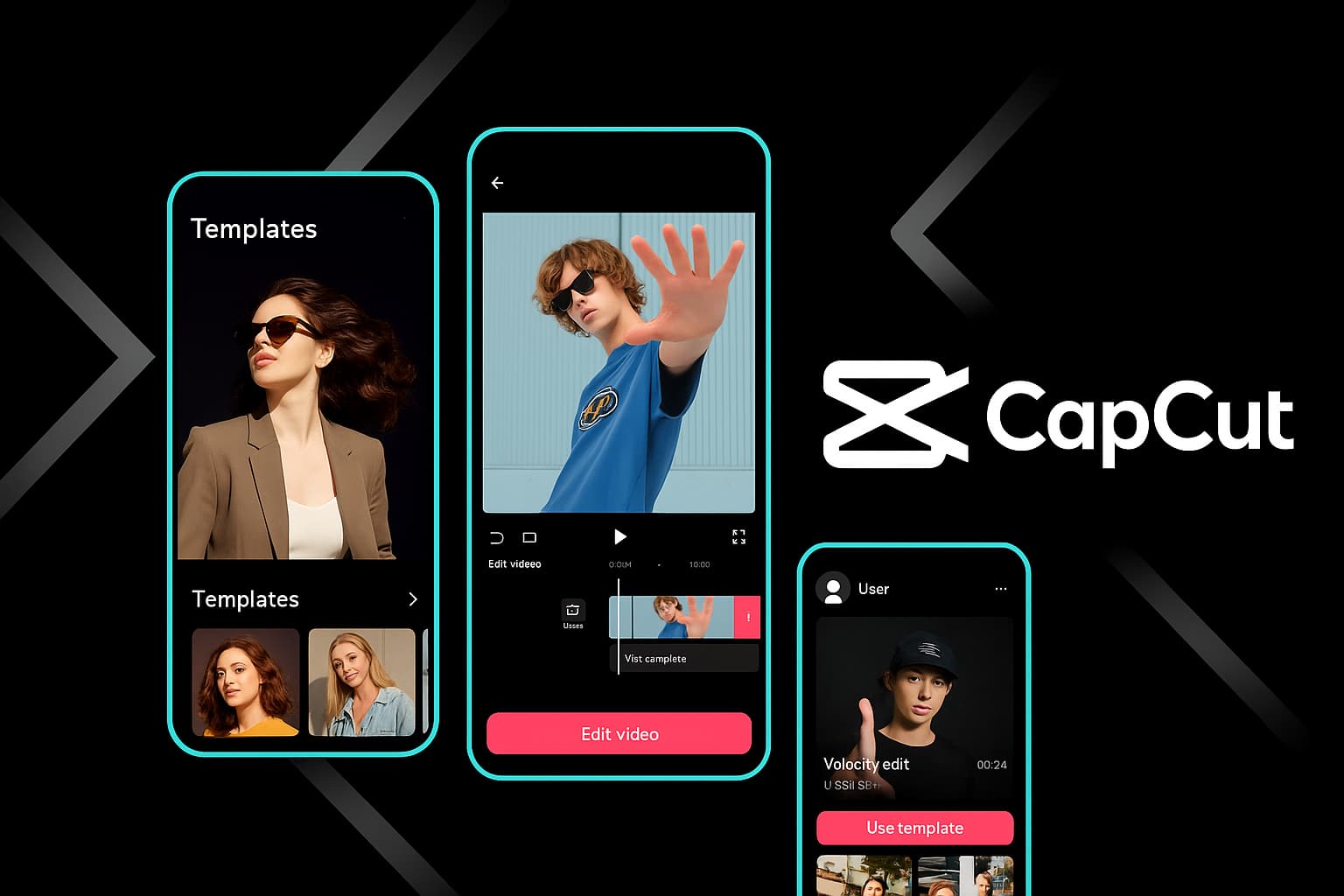
The pattern is clear: CapCut Free is powerful for editing. CapCut Pro is powerful for producing — meaning when you're regularly publishing content, working under deadlines, or making money from your videos, Pro removes the bottlenecks that slow you down.
🌟
My personal rule: If you're posting content 3 or more times per week, or if any of your videos generate revenue (ads, sponsorships, client work), Pro pays for itself within the first week. If you edit once a month for fun, the free version is genuinely all you need.
CapCut Pro Pricing Plans
CapCut keeps pricing straightforward — no confusing tiers, no "Starter" vs "Business" vs "Enterprise" maze. You get two real options.
The annual plan is the obvious play if you know you'll stick with it. You're saving nearly $45 per year compared to monthly billing. But if you're testing the waters — maybe you have a 3-month project and don't need Pro year-round — the monthly plan gives you that flexibility without commitment.
⚠️
Watch for promotions: CapCut regularly runs discounts on the annual plan, especially during Black Friday, back-to-school, and New Year periods. I've seen the annual price drop to $49.99 during sales. If you're on the fence, setting a price alert or checking during sale seasons can save you an extra 30%.
How to Download & Activate CapCut Pro (Step by Step)
The activation process is the same regardless of where you download CapCut — Pro is account-based, not device-based. Here's the process broken down by platform.
Desktop (Windows & Mac)
Download CapCut Desktop — Head to the official CapCut download page and grab the installer for your operating system (Windows 10+ or macOS 10.15+). The installer is around 200MB.
Install and launch — Run the installer, follow the prompts. On Mac, drag CapCut to your Applications folder. On Windows, the installer handles everything automatically. First launch takes about 30 seconds to initialize.
Sign in to your account — Click the profile icon in the top-right corner. Sign in with your email, Google, Facebook, or TikTok account. If you don't have an account, create one here — it takes 30 seconds.
Upgrade to Pro — Click the "Pro" or "Upgrade" button (usually a crown icon near your profile). Select your plan (monthly or annual), enter payment details, and confirm. Your account instantly unlocks all Pro features.
Verify activation — Open any project. You should see a "Pro" badge on your profile icon, and premium templates will now show without the lock icon. Try accessing a Pro-only template to confirm everything works.
Mobile (iOS & Android)
下载CapCut — Open the App Store (iPhone/iPad) or Google Play Store (Android) and search "CapCut." Download the official app by ByteDance. On Android, you can also grab the APK directly if Play Store isn't available in your region.
Open and sign in — Launch the app, tap your profile, and sign in with the same account you use on desktop (this is important for cross-device sync).
Subscribe to Pro — Tap the "Pro" banner at the top of the home screen, or go to Settings > Subscription. Choose your plan. The purchase processes through Apple's App Store or Google Play billing — whatever payment method you have on file works.
Start using Pro features — Back on the home screen, you'll see premium templates are now accessible. Open any project to use extended AI credits, priority export, and the full commercial music library.
__KEEP_Web_编辑器__
Go to CapCut Web — Open capcut.com in Chrome, Edge, or Firefox (Chrome recommended for best performance).
Sign in — Click "Log in" in the top-right corner. Use the same account you subscribed with on desktop or mobile.
Pro is already active — Since Pro is tied to your account, the web editor automatically detects your subscription. No additional setup needed. Premium templates, extended AI credits, and priority export are immediately available.
CapCut Pro activates across all your devices with a single subscription
⚠️
Important: If you subscribe through the iOS App Store, your billing is managed by Apple — not CapCut. Same goes for Google Play on Android. To manage or cancel your subscription, go through your device's subscription settings, not the CapCut app itself.
CapCut Pro Features: A Deeper Look at What You're Getting
Let me go beyond the marketing bullet points and tell you what each Pro feature actually feels like in day-to-day editing. I've been using Pro across all platforms for over a year, and some features matter way more than others.
Premium Templates: The Biggest Time-Saver
I used to spend 45 minutes to an hour building a Reel from scratch — picking transitions, timing audio cuts, designing text animations. With Pro templates, I can produce a comparable Reel in under 10 minutes. That's not an exaggeration; it's a measurable difference I've tracked across dozens of projects.
The Pro templates aren't just "fancier" versions of free templates. They're structurally more sophisticated. You'll find templates with dynamic text placeholders that adapt to your content length, audio-reactive transitions that automatically sync to whatever music you swap in, and multi-scene templates designed for longer content like YouTube intros or product showcases.
My most-used Pro template category? Business and brand templates. Clean, professional, and already formatted for common aspect ratios. Drop in your brand colors, swap the text, add your footage — done. These alone justify the subscription if you do any kind of commercial content work.
Cloud Storage: More Useful Than You'd Think
100GB of cloud storage sounds like a spec-sheet number. In practice, it transforms your workflow in a specific way: you stop worrying about file management.
Before Pro, I had a messy system of Google Drive links, external SSDs, and Dropbox folders for sharing assets between my phone and computer. Now I save everything directly in CapCut's cloud. Project files, raw footage, audio tracks, brand assets — they're all accessible from any device without setup.
The auto-sync is particularly smooth between mobile and desktop. I've started edits on my iPhone during a train ride and opened the exact same timeline — same position, same edits — on my Mac twenty minutes later. It feels seamless in a way that cloud storage rarely does.
Priority Export: The Underrated Feature
Export speed doesn't sound exciting until you need it. Here's the scenario: you're finishing a video at 11 PM, your client needs it by midnight, and you hit "Export" — only to watch a progress bar crawl because thousands of other users are exporting at the same time.
With Pro, your export jobs jump to the front of the queue. The speed difference is most noticeable during peak hours (evenings and weekends) and with effects-heavy timelines (lots of AI filters, transitions, color grading). During off-peak hours, the difference is smaller because there's less congestion.
I've measured roughly a 40-60% reduction in export time during busy periods with Pro vs. free. For a 5-minute video with moderate effects, that's the difference between waiting 2 minutes and waiting 5+ minutes. It adds up fast when you're exporting multiple versions or formats.
Extended AI Credits: Work Without Interruption
CapCut's AI features are genuinely useful — auto-captions, background removal, style transfer, text-to-speech, AI video clips. On the free plan, each tool has a daily credit limit. Once you hit it, you're done until tomorrow.
I hit the free-tier limit constantly when I was doing batch auto-captioning. Three or four videos in a row, and I'd be locked out for the day. Pro eliminates that frustration. I've captioned 15 videos in a single session without touching the credit ceiling. Background removal on a 10-minute video with constant subject tracking? No credit issues.
The extended credits also apply to newer AI features like AI video generation 和 AI image generation. These tools consume more credits per use than basic features, so the larger Pro allowance matters even more as CapCut continues adding AI capabilities.
Experience Pro Features Firsthand
The best way to decide if Pro is right for you is to try it. Start a free trial and test every feature.
__KEEP__CapCut__Pro__ 占据独特的地位:它比 Premiere Pro 便宜得多,提供比同价位任何竞争对手更好的 AI 工具,并且包含可与专用模板平台相媲美的模板库。如果您的主要输出是社交媒体内容、YouTube 视频或小型企业的客户工作, __KEEP__CapCut__Pro__ 比此列表中的任何其他选项提供更多相关价值.
不足之处:CapCut 无法与 DaVinci Resolve 的色彩科学、Premiere Pro 的插件生态系统或 Final Cut Pro 在 Apple Silicon 上的硬件优化相媲美。对于广播级工作或故事片制作,这些专用工具仍然可以获得更高的价格标签。但对于绝大多数现代视频创作者来说,__KEEP_CapCut_Pro__ 涵盖了端到端的工作流程。
底线
__KEEP__CapCut__Pro__ 是我毫不犹豫地续订的罕见订阅之一。它的年度套餐价格为每月 6.25 美元,它提供了可以节省我时间的高级模板、让我的多设备工作流程保持无缝的云存储、让我不间断工作的 AI 积分以及消除版权焦虑的商业音乐许可。
是的。 CapCut 为新 Pro 订阅者提供 7 天免费试用。在试用期间,您可以完全访问所有 Pro 功能 - 高级模板、100GB 云、优先导出、扩展 AI 积分、商业音乐库 - 一切。在试用结束前取消以避免被收费。该试用版可在所有平台上使用。
CapCut Free 为您提供完整的多轨编辑、具有每日限制的基本 AI 工具、标准模板和无水印 4K 导出。专业版增加了:高级专属模板和效果、100GB 云存储(相对于约 1GB 免费)、优先导出渲染、显着扩展的 AI 积分、商业许可的音乐和字体以及抢先体验新功能。核心编辑引擎是相同的 - Pro 增加了生产力和商业功能。