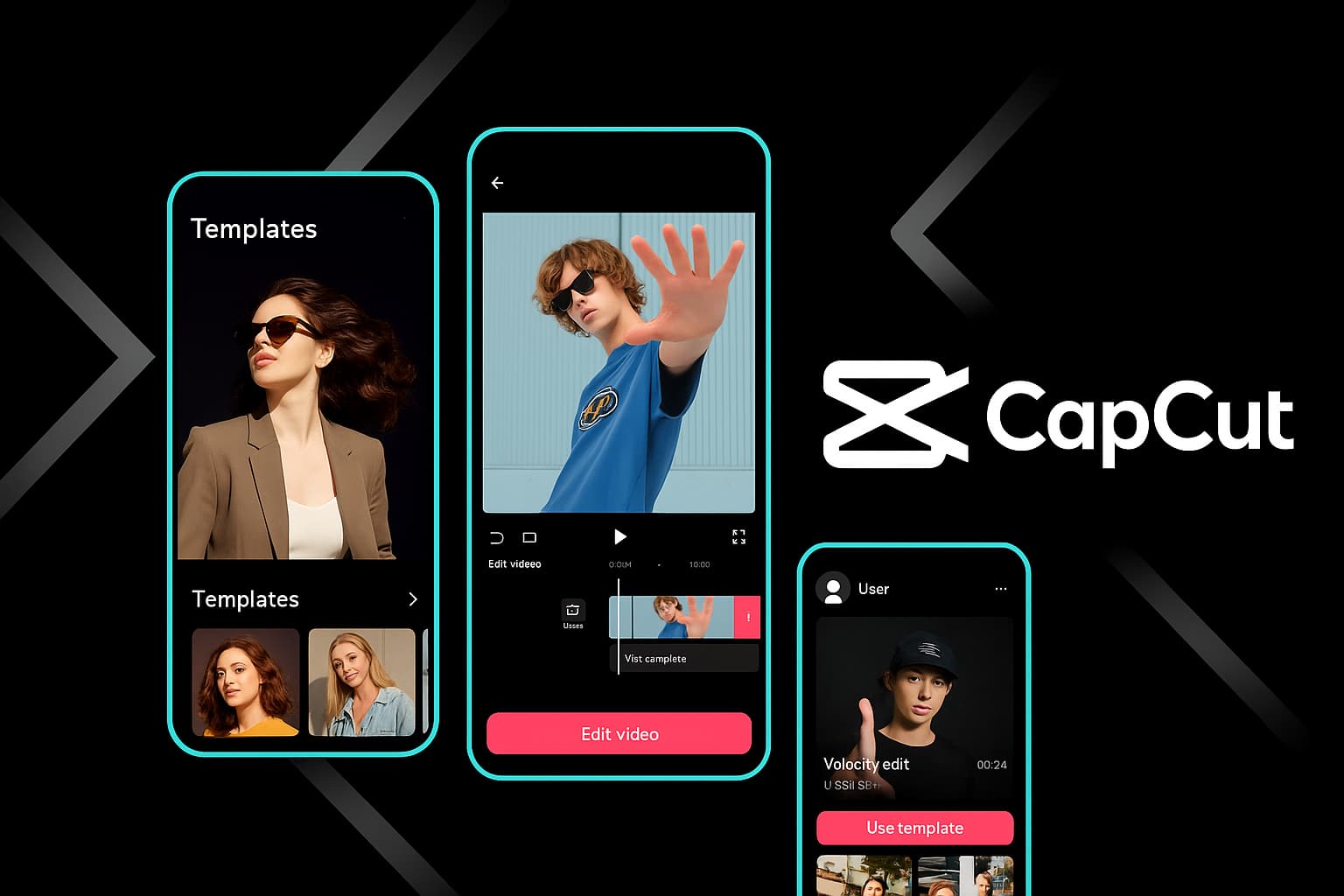
Premium templates, 100GB cloud storage, priority exports, extended AI credits, and commercially licensed music — here's everything CapCut Pro gives you and exactly how to get started.
I'll be straight with you: CapCut's free version is already one of the most generous video editors on the market. No watermark, full timeline editing, AI auto-captions, background removal — the list goes on. So when CapCut introduced a paid tier, my first reaction was skepticism. Why pay when the free version handles 90% of what I need?
Then I actually used Pro for a month. And here's what I discovered: CapCut Pro isn't about gatekeeping basic features. The free tier stays powerful. Pro is about removing friction for people who edit frequently. The premium templates save 20 minutes per video. The 100GB cloud means I stopped juggling external drives. Priority exports shaved my render times almost in half during peak hours. The extended AI credits meant I never hit a wall mid-project.
CapCut Pro is the premium subscription tier of CapCut — ByteDance's all-in-one video editor available on iOS, Android, Windows, Mac, and web. It bundles every premium feature under a single subscription that syncs across all your devices. One account, one payment, full access everywhere.
CapCut Pro gives you access to the full premium editing suite across every platform
💡
Quick context: CapCut Pro launched as "CapCut Pro" globally in mid-2023. Before that, premium features were scattered across regional pricing models. The current unified Pro plan simplifies everything into one straightforward subscription.
What CapCut Pro Actually Includes (The Full Breakdown)
Marketing pages love vague promises. Here's the concrete list of what your Pro subscription unlocks, based on my daily usage over the past year.
Premium Templates & Effects
This is probably the single biggest reason people upgrade. CapCut's free template library is solid, but the Pro-exclusive templates are on a different level. They're designed by professional motion designers, they follow trending styles earlier, and they include effects and transitions that aren't available in the free tier.
I'm talking about cinematic title sequences, complex multi-scene transitions, and branded intro/outro templates that would take hours to build manually. The Pro effects library is also significantly larger — niche filters, film grain overlays, light leak effects, professional color LUTs, and animated stickers that actually look good rather than cheap.
In practical terms: when a new visual trend hits TikTok or Reels, the Pro template library usually has matching templates 2-3 days faster than the free library. If you're in the content game, that head start matters.
100GB Cloud Storage
The free plan gives you a few gigabytes of cloud storage. Pro bumps that to 100GB. That might not sound revolutionary until you consider how it changes your workflow.
With 100GB in the cloud, you can start a project on your phone during your commute, open the exact same project on your desktop at home, and make final tweaks from the web editor on your work laptop. No USB drives, no AirDrop juggling, no "which version is the latest?" confusion. Every asset, every timeline, every draft syncs automatically.
I store my most-used assets in CapCut's cloud — intros, logo animations, favorite audio tracks, branded fonts. They're available in every new project instantly, on any device. It's a small thing that saves genuine time.
Priority Export Rendering
Here's something most people don't realize about CapCut's cloud-powered features: during peak usage hours, export rendering can slow down significantly. Free users sit in a queue. Pro users skip that queue entirely.
I've tested this side-by-side. A 3-minute video with effects-heavy timeline exported in about 45 seconds on Pro during a busy afternoon. The same project on a free account took nearly 3 minutes. That gap widens with longer videos. If you're on deadline — and when aren't you, honestly — priority export isn't a luxury. It's insurance.
Extended AI Credits
CapCut's AI tools are some of its best features: auto-captions, background removal, AI video generation, text-to-speech, smart HDR. On the free plan, you get a limited number of AI credits per day. Use them up, and you wait until tomorrow.
Pro gives you significantly more AI credits — enough that I've never hit the limit in a full day of editing, and I use auto-captions on literally everything. You also get priority access to new AI features as they roll out. When CapCut released their improved text-to-speech voices, Pro users had access weeks before the free tier.
Commercially Licensed Music & Fonts
This is the sleeper feature that matters most for anyone making money from their content. The Pro music library is fully commercially licensed. Use any track in monetized YouTube videos, sponsored Reels, client projects, or paid courses without worrying about copyright claims or DMCA strikes.
The same goes for Pro fonts. Every font in the Pro library is cleared for commercial use. No more Googling "is this font free for commercial?" and hoping for the best.
If you've ever had a YouTube video demonetized because of a music copyright claim, you know how painful that is. Pro's commercial licensing eliminates that risk entirely for anything sourced from CapCut's library.
Ready to Go Pro?
Start with a free trial and experience every premium feature before committing.
I've been asked this question more than any other: "Is the free version enough, or do I actually need Pro?" The honest answer is nuanced, so let me lay out exactly what differs.
Feature
CapCut Free
CapCut Pro
Price
$0
$9.99/mo or $74.99/yr
Video Editing (Timeline)
✔ Full multi-track
✔ Full multi-track
Export Quality
Up to 4K, no watermark
Up to 4K, no watermark
תבניות
Standard library
✔ Full library + Premium exclusives
Effects & Filters
Core effects
✔ All effects + Pro-only filters & LUTs
Cloud Storage
~1GB
✔ 100GB
AI Auto-Captions
Limited credits/day
✔ Extended credits
AI Background Removal
Limited credits/day
✔ Extended credits
Text-to-Speech
Basic voices, limited uses
✔ All voices, extended uses
Export Speed
Standard queue
✔ Priority rendering
Music Library
Personal use only
✔ Commercially licensed
Fonts
Standard fonts
✔ Premium + commercially licensed
New Feature Access
Standard rollout
✔ Early / priority access
Cross-Device Sync
Basic sync
✔ Full sync with 100GB cloud
The pattern is clear: CapCut Free is powerful for editing. CapCut Pro is powerful for producing — meaning when you're regularly publishing content, working under deadlines, or making money from your videos, Pro removes the bottlenecks that slow you down.
🌟
My personal rule: If you're posting content 3 or more times per week, or if any of your videos generate revenue (ads, sponsorships, client work), Pro pays for itself within the first week. If you edit once a month for fun, the free version is genuinely all you need.
CapCut Pro Pricing Plans
CapCut keeps pricing straightforward — no confusing tiers, no "Starter" vs "Business" vs "Enterprise" maze. You get two real options.
The annual plan is the obvious play if you know you'll stick with it. You're saving nearly $45 per year compared to monthly billing. But if you're testing the waters — maybe you have a 3-month project and don't need Pro year-round — the monthly plan gives you that flexibility without commitment.
⚠️
Watch for promotions: CapCut regularly runs discounts on the annual plan, especially during Black Friday, back-to-school, and New Year periods. I've seen the annual price drop to $49.99 during sales. If you're on the fence, setting a price alert or checking during sale seasons can save you an extra 30%.
How to Download & Activate CapCut Pro (Step by Step)
The activation process is the same regardless of where you download CapCut — Pro is account-based, not device-based. Here's the process broken down by platform.
Desktop (Windows & Mac)
Download CapCut Desktop — Head to the official CapCut download page and grab the installer for your operating system (Windows 10+ or macOS 10.15+). The installer is around 200MB.
Install and launch — Run the installer, follow the prompts. On Mac, drag CapCut to your Applications folder. On Windows, the installer handles everything automatically. First launch takes about 30 seconds to initialize.
Sign in to your account — Click the profile icon in the top-right corner. Sign in with your email, Google, Facebook, or TikTok account. If you don't have an account, create one here — it takes 30 seconds.
Upgrade to Pro — Click the "Pro" or "Upgrade" button (usually a crown icon near your profile). Select your plan (monthly or annual), enter payment details, and confirm. Your account instantly unlocks all Pro features.
Verify activation — Open any project. You should see a "Pro" badge on your profile icon, and premium templates will now show without the lock icon. Try accessing a Pro-only template to confirm everything works.
Mobile (iOS & Android)
Download CapCut — Open the App Store (iPhone/iPad) or Google Play Store (Android) and search "CapCut." Download the official app by ByteDance. On Android, you can also grab the APK directly if Play Store isn't available in your region.
Open and sign in — Launch the app, tap your profile, and sign in with the same account you use on desktop (this is important for cross-device sync).
Subscribe to Pro — Tap the "Pro" banner at the top of the home screen, or go to Settings > Subscription. Choose your plan. The purchase processes through Apple's App Store or Google Play billing — whatever payment method you have on file works.
Start using Pro features — Back on the home screen, you'll see premium templates are now accessible. Open any project to use extended AI credits, priority export, and the full commercial music library.
עורך ווב
Go to CapCut Web — Open capcut.com in Chrome, Edge, or Firefox (Chrome recommended for best performance).
Sign in — Click "Log in" in the top-right corner. Use the same account you subscribed with on desktop or mobile.
Pro is already active — Since Pro is tied to your account, the web editor automatically detects your subscription. No additional setup needed. Premium templates, extended AI credits, and priority export are immediately available.
CapCut Pro activates across all your devices with a single subscription
⚠️
Important: If you subscribe through the iOS App Store, your billing is managed by Apple — not CapCut. Same goes for Google Play on Android. To manage or cancel your subscription, go through your device's subscription settings, not the CapCut app itself.
CapCut Pro Features: A Deeper Look at What You're Getting
Let me go beyond the marketing bullet points and tell you what each Pro feature actually feels like in day-to-day editing. I've been using Pro across all platforms for over a year, and some features matter way more than others.
Premium Templates: The Biggest Time-Saver
I used to spend 45 minutes to an hour building a Reel from scratch — picking transitions, timing audio cuts, designing text animations. With Pro templates, I can produce a comparable Reel in under 10 minutes. That's not an exaggeration; it's a measurable difference I've tracked across dozens of projects.
The Pro templates aren't just "fancier" versions of free templates. They're structurally more sophisticated. You'll find templates with dynamic text placeholders that adapt to your content length, audio-reactive transitions that automatically sync to whatever music you swap in, and multi-scene templates designed for longer content like YouTube intros or product showcases.
My most-used Pro template category? Business and brand templates. Clean, professional, and already formatted for common aspect ratios. Drop in your brand colors, swap the text, add your footage — done. These alone justify the subscription if you do any kind of commercial content work.
Cloud Storage: More Useful Than You'd Think
100GB of cloud storage sounds like a spec-sheet number. In practice, it transforms your workflow in a specific way: you stop worrying about file management.
Before Pro, I had a messy system of Google Drive links, external SSDs, and Dropbox folders for sharing assets between my phone and computer. Now I save everything directly in CapCut's cloud. Project files, raw footage, audio tracks, brand assets — they're all accessible from any device without setup.
The auto-sync is particularly smooth between mobile and desktop. I've started edits on my iPhone during a train ride and opened the exact same timeline — same position, same edits — on my Mac twenty minutes later. It feels seamless in a way that cloud storage rarely does.
Priority Export: The Underrated Feature
Export speed doesn't sound exciting until you need it. Here's the scenario: you're finishing a video at 11 PM, your client needs it by midnight, and you hit "Export" — only to watch a progress bar crawl because thousands of other users are exporting at the same time.
With Pro, your export jobs jump to the front of the queue. The speed difference is most noticeable during peak hours (evenings and weekends) and with effects-heavy timelines (lots of AI filters, transitions, color grading). During off-peak hours, the difference is smaller because there's less congestion.
I've measured roughly a 40-60% reduction in export time during busy periods with Pro vs. free. For a 5-minute video with moderate effects, that's the difference between waiting 2 minutes and waiting 5+ minutes. It adds up fast when you're exporting multiple versions or formats.
Extended AI Credits: Work Without Interruption
CapCut's AI features are genuinely useful — auto-captions, background removal, style transfer, text-to-speech, AI video clips. On the free plan, each tool has a daily credit limit. Once you hit it, you're done until tomorrow.
I hit the free-tier limit constantly when I was doing batch auto-captioning. Three or four videos in a row, and I'd be locked out for the day. Pro eliminates that frustration. I've captioned 15 videos in a single session without touching the credit ceiling. Background removal on a 10-minute video with constant subject tracking? No credit issues.
The extended credits also apply to newer AI features like AI video generation and AI image generation. These tools consume more credits per use than basic features, so the larger Pro allowance matters even more as CapCut continues adding AI capabilities.
Experience Pro Features Firsthand
The best way to decide if Pro is right for you is to try it. Start a free trial and test every feature.
I'm not going to give you the fence-sitting "it depends" non-answer. Here's my framework for deciding, based on having used both tiers extensively.
Pro is absolutely worth it if you:
Publish content regularly — 3+ videos per week on any platform. The template time savings alone are worth more than $6.25/month.
Make money from your videos — The commercial music license eliminates copyright risk. One avoided DMCA claim is worth a year of Pro.
Use AI features daily — Auto-captions, background removal, text-to-speech. Free-tier credits will frustrate you within a week of heavy use.
Edit across multiple devices — The 100GB cloud storage makes multi-device workflows genuinely seamless instead of hacky.
Work with clients or deadlines — Priority export isn't a luxury when someone is waiting for your deliverable.
The free version is enough if you:
Edit occasionally — A couple of videos per month for personal use. The free version gives you full editing power.
Don't monetize your content — If your videos aren't generating revenue, the commercial licensing doesn't apply to you.
Edit on one device — Cloud sync is a convenience, not a necessity, if you always use the same computer or phone.
Have patience with AI limits — If you can spread your AI-heavy work across multiple days, the free credits work fine.
Here's the math I ran for myself: I produce around 12 videos per month. Pro templates save me roughly 30 minutes per video. That's 6 hours of saved time per month for $6.25. Even if I value my time at minimum wage, that's absurdly good return on investment. If I factor in the commercial music licensing and the avoided copyright headaches, it's not even close.
🚀
The trial strategy: If you're unsure, start the free trial during a week when you know you'll be editing heavily. Use every Pro feature aggressively for those 7 days. By the end, you'll know definitively whether Pro fits your workflow or whether free is sufficient. Don't trial during a slow week — you won't get a representative experience.
Step-by-Step Activation Guide: From Zero to Pro in 5 Minutes
Whether you're brand new to CapCut or upgrading an existing free account, here's the fastest path to getting Pro running.
Create an account if you're new, or sign in to your existing account. Use the same account everywhere for sync.
3
Choose Your Plan
Tap the Pro/Upgrade button. Pick annual ($6.25/mo) or monthly ($9.99/mo). Enter payment info and confirm.
4
Start Creating
Pro activates instantly. Access premium templates, extended AI, 100GB cloud, and priority export immediately across all devices.
Troubleshooting Common Activation Issues
In my experience helping others set up Pro, these are the three most common hiccups:
"Pro isn't showing as active after payment" — Sign out and back in. This forces the app to refresh your subscription status. On mobile, also try force-closing the app and reopening.
"I subscribed on my phone but Pro isn't active on desktop" — Make sure you're signed into the same account on both devices. If you created separate accounts (one with email, one with Google), they're different accounts even if they use the same email address.
"Premium templates still show as locked" — Clear the app cache (Settings > Storage > Clear Cache) and restart. Sometimes the template library takes a minute to refresh after subscription changes.
Getting Maximum Value from Your Pro Subscription
Paying for Pro and only using the premium templates is like buying a sports car and never leaving second gear. Here are the habits that extract the most value from your subscription.
Build a cloud asset library. Upload your logo, brand colors, favorite audio tracks, and intro/outro sequences to CapCut's cloud. They'll be available in every project, on every device, instantly. I spent an hour organizing my cloud library and it's saved me hours every month since.
Batch your AI-heavy work. Even though Pro gives you extended credits, they're not unlimited. When you need to auto-caption 10 videos, do them all in one sitting. The efficiency of batch processing combined with Pro's larger credit pool means you'll finish before any limits kick in.
Use Pro templates as starting points, not finished products. The best results come from customizing templates — swap colors, change fonts, adjust timing, add your personal transitions. Templates that feel "personalized" perform significantly better on social media than obviously templated content.
Export in multiple formats with priority. Since you get priority rendering, take advantage of it. Export your video in multiple aspect ratios (9:16, 16:9, 1:1) and resolutions without worrying about wait times. Repurposing content across platforms becomes painless.
Explore the commercial music library weekly. New tracks get added regularly. I spend 15 minutes every Monday browsing new additions and bookmarking tracks that fit my content style. When I sit down to edit, I already have a shortlist of fresh, licensed music ready to go.
How Does CapCut Pro Compare to Other Paid Editors?
The real question isn't just "free vs Pro" — it's "is CapCut Pro better value than competing paid editors?" Here's how it stacks up against the main alternatives.
Editor
Price
AI Features
תבניות
Cloud Storage
Best For
CapCut Pro
$6.25/mo (annual)
✔ Extensive built-in
✔ Thousands
100GB
Social media & content creators
Adobe Premiere Pro
$22.99/mo
✔ Growing suite
Limited
100GB (Creative Cloud)
Professional video production
Final Cut Pro
$299 (one-time)
Basic
Limited
None built-in
Mac-only pro editing
DaVinci Resolve Studio
$295 (one-time)
✔ AI tools included
Few
None built-in
Color grading & post-production
Canva Pro (Video)
$12.99/mo
Basic
✔ Many
1TB
Design-focused video & graphics
CapCut Pro occupies a unique position: it's significantly cheaper than Premiere Pro, offers better AI tools than any competitor at its price point, and includes a template library that rivals dedicated template platforms. If your primary output is social media content, YouTube videos, or client work for small businesses, CapCut Pro delivers more relevant value per dollar than any other option on this list.
Where it falls short: CapCut can't match DaVinci Resolve's color science, Premiere Pro's plugin ecosystem, or Final Cut Pro's hardware optimization on Apple Silicon. For broadcast-level work or feature film production, those dedicated tools still earn their higher price tags. But for the vast majority of modern video creators, CapCut Pro covers the workflow end to end.
The Bottom Line
CapCut Pro is one of those rare subscriptions where I don't think twice about the renewal. At $6.25/month on the annual plan, it provides premium templates that save me hours, cloud storage that keeps my multi-device workflow seamless, AI credits that let me work uninterrupted, and commercial music licensing that eliminates copyright anxiety.
If you're serious about creating video content — whether that's for your brand, your clients, or your audience — Pro removes enough friction to justify its cost within the first few projects. If you're a casual editor who makes the occasional vacation montage, the free version is genuinely excellent and you won't feel limited.
My recommendation: start the free trial, push it hard for a week, then decide. That approach gives you an honest data point instead of guessing based on feature lists.
Start Your CapCut Pro Journey
Try every premium feature free for 7 days. Cancel anytime if it's not for you.
Straight answers to the most common questions about CapCut Pro.
It depends on your usage. If you publish content 3+ times per week, use AI features heavily, or monetize your videos, Pro pays for itself through time savings and commercial licensing alone. The premium templates save 20-30 minutes per video, and the extended AI credits eliminate the frustrating daily limits of the free plan. Casual editors who post occasionally will find the free version perfectly sufficient.
CapCut Pro costs $9.99/month on a monthly plan, or $74.99/year on the annual plan (which works out to $6.25/month — a 37% savings). CapCut frequently offers promotions, especially during Black Friday and back-to-school periods, where the annual plan can drop as low as $49.99.
Yes. CapCut offers a 7-day free trial for new Pro subscribers. During the trial, you get full access to every Pro feature — premium templates, 100GB cloud, priority export, extended AI credits, commercial music library — everything. Cancel before the trial ends to avoid being charged. The trial is available on all platforms.
CapCut Free gives you full multi-track editing, basic AI tools with daily limits, standard templates, and watermark-free 4K export. Pro adds: premium-exclusive templates and effects, 100GB cloud storage (vs ~1GB free), priority export rendering, significantly extended AI credits, commercially licensed music and fonts, and early access to new features. The core editing engine is identical — Pro adds productivity and commercial features on top.
Yes. CapCut Pro is tied to your account, not any specific device. Subscribe once, and Pro features are available on iOS, Android, Windows, Mac, and the web editor. Projects, cloud assets, and settings sync automatically across all platforms. Just make sure you're signed into the same account on each device.
Absolutely. There are no cancellation fees or long-term commitments. Cancel through your account settings (or through the App Store/Google Play if you subscribed on mobile). You'll keep Pro access until the end of your current billing period. After cancellation, your account reverts to the free tier — you won't lose projects, but Pro-only features in existing projects will become unavailable.
No, your projects are preserved. However, Pro-only elements within those projects — premium templates, licensed music tracks, Pro fonts — will show as unavailable. You can still open and edit the projects, but you'd need to replace Pro assets with free alternatives. Cloud storage reverts to the free tier limit, so if you're over that limit, you'll need to download files locally or delete some to stay within the free allowance.
Ready to Unlock CapCut's Full Potential?
Join thousands of creators who upgraded to Pro and never looked back. Start with a free trial — no risk, no commitment.